支持的文件
JPGJPEGPNGWebPGIF
IMAGE ROTATOR
หมุนหรือกลับภาพหลายไฟล์พร้อมกัน กำหนดองศาแยกแต่ละภาพ และเลือกเฉพาะภาพแนวตั้งหรือแนวนอน
工具指南
批量旋转和翻转图片,可按方向筛选并设置自定义角度。
或按 Ctrl+V 从剪贴板粘贴图片
您的文件仅用于完成所选操作。根据工具和系统设置,处理可能在浏览器或服务器中进行。
To fix several sideways landscape photos, filter to landscape, set 90°, and rotate them together. Review the results before downloading the ZIP.
Rotate clockwise 90°: 960 × 640 → 640 × 960 pixels. Use the heading to check orientation.
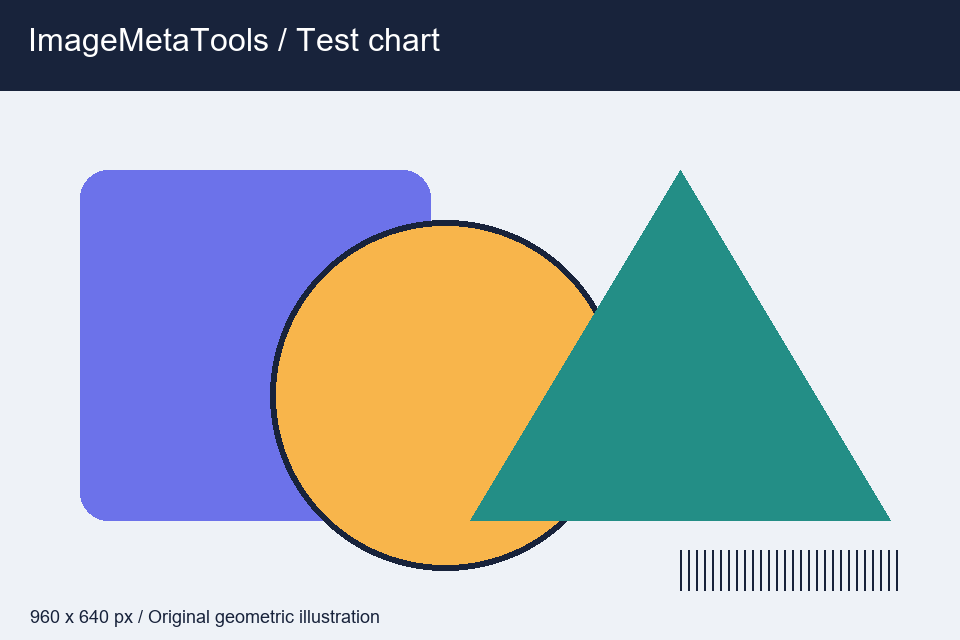

Download the input to try it yourself
Illustration and test files created by ImageMetaTools. Sample transformations use Pillow. Encoded output may vary with your device and processing method.
可以。支持批量选择和处理,最大数量和大小取决于系统限制。
不会。设备上的原始文件不会被覆盖,系统会创建新文件供下载。
请检查文件类型和大小、减少每批文件数量,并查看错误通知。
SHOPEE AFFILIATE
คุณสามารถเปิดดูลิงก์แนะนำจาก Shopee หรือดำเนินการต่อได้
ลิงก์บางรายการเป็น Affiliate Link เว็บไซต์อาจได้รับค่าคอมมิชชันโดยไม่มีค่าใช้จ่ายเพิ่มเติมสำหรับคุณ