対応ファイル
JPGJPEGPNGWebP
IMAGE UPSCALER
ขยาย JPG, JPEG, PNG และ WebP หลายรูปด้วย Lanczos3 หรือ Bicubic โดยประมวลผลบนอุปกรณ์ของคุณ
ツールガイド
高品質Lanczosを使用し、端末上でJPG、JPEG、PNG、WebP画像を一括拡大します。
または Ctrl+V でクリップボードから画像を貼り付けます
ファイルは選択した処理のためだけに使用されます。ツールと設定により、ブラウザまたはサーバーで処理されます。
An 800 × 600 image becomes 1600 × 1200 at 2×. Compare letter edges and textures to pick the result you prefer.
Lanczos 2×: 240 × 160 → 480 × 320 pixels. Compare the text and stripes at the same display size.
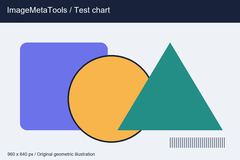
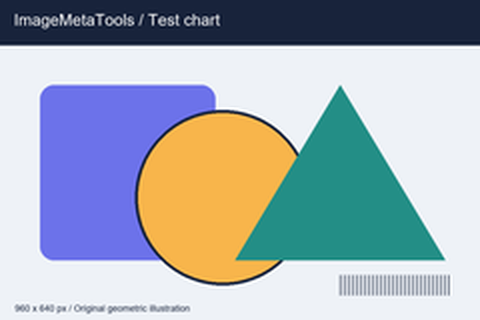
Download the input to try it yourself
Illustration and test files created by ImageMetaTools. Sample transformations use Pillow. Encoded output may vary with your device and processing method.
はい。複数ファイルの一括処理に対応しています。上限はシステム設定により異なります。
いいえ。端末上の元ファイルは上書きされず、新しい結果ファイルが作成されます。
形式とサイズを確認し、一度のファイル数を減らしてエラー通知を確認してください。
กำลังเตรียมการ…
กรุณารอจนกว่าจะเสร็จ หรือกดหยุดเพื่อยกเลิกงานที่กำลังทำ
SHOPEE AFFILIATE
เลือกลิงก์สินค้า Shopee ที่สนใจ หรือดำเนินการต่อได้เลย
ไม่จำเป็นต้องซื้อสินค้าที่แนะนำ คุณสามารถเลือกสินค้าอื่นเพื่อสนับสนุนเว็บไซต์ได้