対応ファイル
JPGJPEGPNGWebPBMPGIFAVIFTIFFHEICPSDSVGRAW
IMAGE CONVERTER
รองรับ JPG, JPEG, PNG, WebP, BMP, GIF, AVIF, TIFF/TIF, HEIC/HEIF, PSD, SVG และ RAW แปลงเป็น JPG, PNG, WebP, AVIF, TIFF หรือ BMP พร้อมปรับคุณภาพและดาวน์โหลดหลายไฟล์
ツールガイド
複数のJPG、JPEG、PNG、WebP画像を変換し、ZIPでまとめてダウンロードできます。
または Ctrl+V でクリップボードから画像を貼り付けます
ファイルは選択した処理のためだけに使用されます。ツールと設定により、ブラウザまたはサーバーで処理されます。
Convert a transparent PNG to WebP to retain transparency for the web. If the destination requires JPG, pick a background color before converting.
PNG → WebP at quality 85, keeping 960 × 640 pixels. Compare fine lines and flat-color areas.
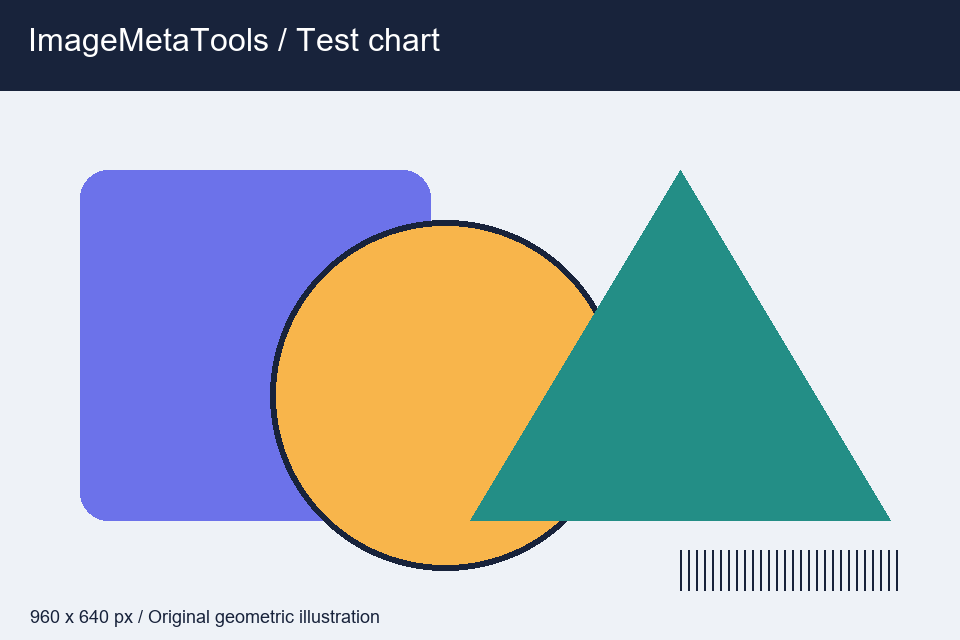
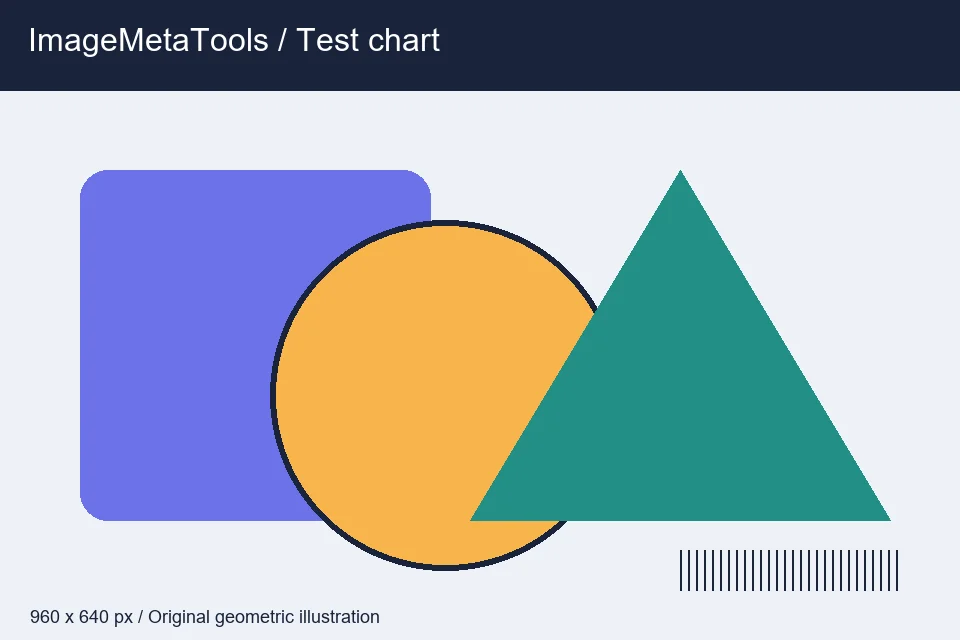
Download the input to try it yourself
Illustration and test files created by ImageMetaTools. Sample transformations use Pillow. Encoded output may vary with your device and processing method.
はい。複数ファイルの一括処理に対応しています。上限はシステム設定により異なります。
いいえ。端末上の元ファイルは上書きされず、新しい結果ファイルが作成されます。
形式とサイズを確認し、一度のファイル数を減らしてエラー通知を確認してください。
SHOPEE AFFILIATE
คุณสามารถเปิดดูลิงก์แนะนำจาก Shopee หรือดำเนินการต่อได้
ลิงก์บางรายการเป็น Affiliate Link เว็บไซต์อาจได้รับค่าคอมมิชชันโดยไม่มีค่าใช้จ่ายเพิ่มเติมสำหรับคุณ