Supported files
JPGJPEGPNGWebPGIF
CROP IMAGE
รองรับ JPG, JPEG, PNG, WebP และ GIF กำหนดพื้นที่ครอบตัดด้วยพิกเซล เลือกรูปแบบสี่เหลี่ยม แนวตั้ง หรือแนวนอน และปรับตำแหน่งด้วยตัวแก้ไขภาพ
Tool guide
Crop JPG, JPEG, PNG, WebP and GIF images using presets or a custom crop area.
or press Ctrl+V to paste images from the clipboard
Your files are used only to complete the selected operation. Processing may run in your browser or on the server depending on the tool and system configuration.
For a vertical 9:16 image, choose the ratio first and then move the crop box so the face or subject stays inside the frame.
A centered 1:1 crop: x=160, y=0, width=640, height=640. Check the cropped edges before exporting.
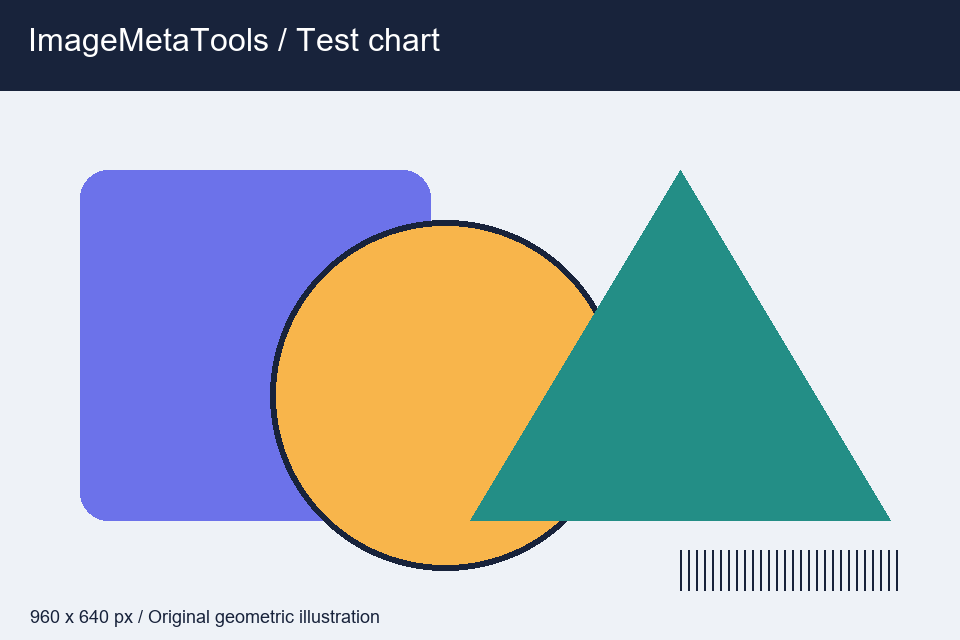
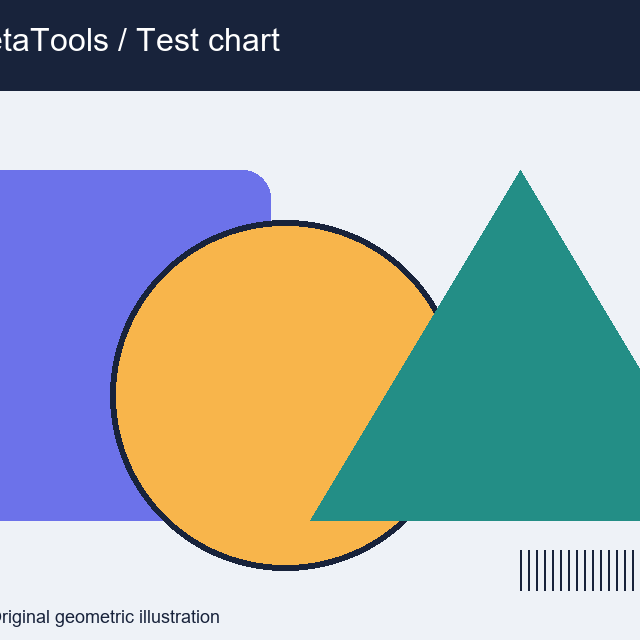
Download the input to try it yourself
Illustration and test files created by ImageMetaTools. Sample transformations use Pillow. Encoded output may vary with your device and processing method.
Select the 1:1 aspect ratio, position the crop around the face, and review the preview before downloading.
No. Original files on your device are not overwritten. New result files are created for download.
Check the file type and size, try fewer files per batch, and review the error notification for details.
SHOPEE AFFILIATE
คุณสามารถเปิดดูลิงก์แนะนำจาก Shopee หรือดำเนินการต่อได้
ลิงก์บางรายการเป็น Affiliate Link เว็บไซต์อาจได้รับค่าคอมมิชชันโดยไม่มีค่าใช้จ่ายเพิ่มเติมสำหรับคุณ
CROP EDITOR
ลากภายในกรอบเพื่อย้ายตำแหน่ง หรือลากจุดจับตามมุมและด้านทั้ง 8 ตำแหน่งเพื่อปรับขนาด