File yang didukung
JPGJPEGPNGWebPGIF
CROP IMAGE
รองรับ JPG, JPEG, PNG, WebP และ GIF กำหนดพื้นที่ครอบตัดด้วยพิกเซล เลือกรูปแบบสี่เหลี่ยม แนวตั้ง หรือแนวนอน และปรับตำแหน่งด้วยตัวแก้ไขภาพ
Panduan alat
Potong JPG, JPEG, PNG, WebP dan GIF menggunakan rasio siap pakai atau area khusus.
atau tekan Ctrl+V untuk menempel gambar dari clipboard
File hanya digunakan untuk menyelesaikan tindakan yang dipilih. Pemrosesan dapat berjalan di browser atau server sesuai alat dan konfigurasi sistem.
For a vertical 9:16 image, choose the ratio first and then move the crop box so the face or subject stays inside the frame.
A centered 1:1 crop: x=160, y=0, width=640, height=640. Check the cropped edges before exporting.
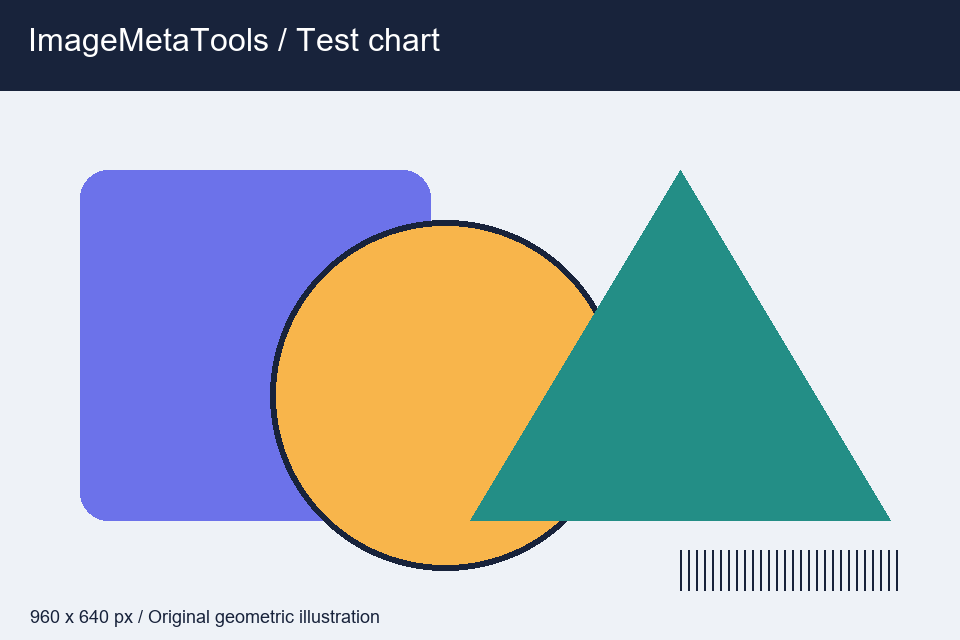
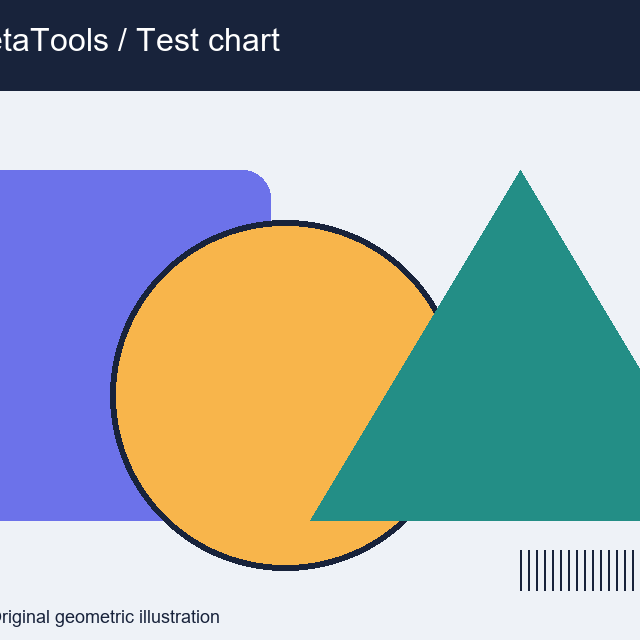
Download the input to try it yourself
Illustration and test files created by ImageMetaTools. Sample transformations use Pillow. Encoded output may vary with your device and processing method.
Ya. Pemilihan dan pemrosesan batch didukung sesuai batas jumlah dan ukuran sistem.
Tidak. File asli tidak ditimpa; hasil dibuat sebagai file baru.
Periksa jenis dan ukuran file, kurangi jumlah per batch, lalu lihat pemberitahuan kesalahan.
SHOPEE AFFILIATE
คุณสามารถเปิดดูลิงก์แนะนำจาก Shopee หรือดำเนินการต่อได้
ลิงก์บางรายการเป็น Affiliate Link เว็บไซต์อาจได้รับค่าคอมมิชชันโดยไม่มีค่าใช้จ่ายเพิ่มเติมสำหรับคุณ
CROP EDITOR
ลากภายในกรอบเพื่อย้ายตำแหน่ง หรือลากจุดจับตามมุมและด้านทั้ง 8 ตำแหน่งเพื่อปรับขนาด