Supported files
JPGJPEGPNGWebP
IMAGE UPSCALER
ขยาย JPG, JPEG, PNG และ WebP หลายรูปด้วย Lanczos3 หรือ Bicubic โดยประมวลผลบนอุปกรณ์ของคุณ
Tool guide
Upscale multiple JPG, JPEG, PNG and WebP images on your device with high-quality Lanczos resampling.
or press Ctrl+V to paste images from the clipboard
Your files are used only to complete the selected operation. Processing may run in your browser or on the server depending on the tool and system configuration.
An 800 × 600 image becomes 1600 × 1200 at 2×. Compare letter edges and textures to pick the result you prefer.
Lanczos 2×: 240 × 160 → 480 × 320 pixels. Compare the text and stripes at the same display size.
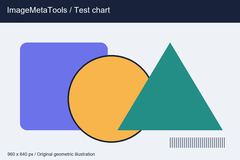
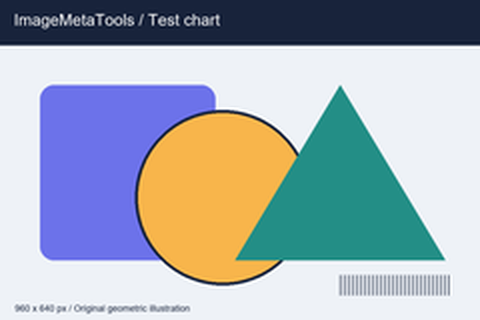
Download the input to try it yourself
Illustration and test files created by ImageMetaTools. Sample transformations use Pillow. Encoded output may vary with your device and processing method.
The result is 1,600 × 1,200 pixels. Use the before-and-after comparison to inspect edges, text, and fine detail.
No. Original files on your device are not overwritten. New result files are created for download.
Check the file type and size, try fewer files per batch, and review the error notification for details.
กำลังเตรียมการ…
กรุณารอจนกว่าจะเสร็จ หรือกดหยุดเพื่อยกเลิกงานที่กำลังทำ
SHOPEE AFFILIATE
เลือกลิงก์สินค้า Shopee ที่สนใจ หรือดำเนินการต่อได้เลย
ไม่จำเป็นต้องซื้อสินค้าที่แนะนำ คุณสามารถเลือกสินค้าอื่นเพื่อสนับสนุนเว็บไซต์ได้