Supported files
JPGJPEGPNGWebP
IMAGE RESIZER
ปรับขนาดหลายรูปด้วยเปอร์เซ็นต์หรือพิกเซล พร้อมเลือกการรักษาสัดส่วนและป้องกันการขยายรูปขนาดเล็ก
Tool guide
Resize multiple images by percentage or pixels while preserving their aspect ratio.
or press Ctrl+V to paste images from the clipboard
Your files are used only to complete the selected operation. Processing may run in your browser or on the server depending on the tool and system configuration.
A 1920 × 1080 image resized to 960 pixels wide with its aspect ratio preserved becomes 960 × 540.
Width and height at 50%: 960 × 640 → 480 × 320 pixels. The pixel count is one quarter of the original.
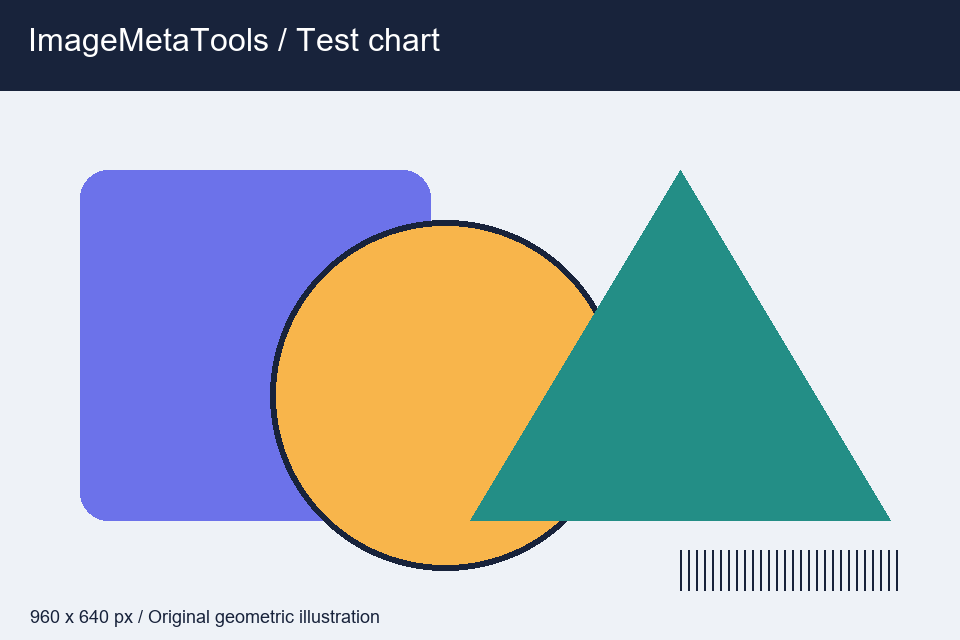
Download the input to try it yourself
Illustration and test files created by ImageMetaTools. Sample transformations use Pillow. Encoded output may vary with your device and processing method.
The result is 1,200 × 800 pixels. The percentage applies to both width and height.
No. Original files on your device are not overwritten. New result files are created for download.
Check the file type and size, try fewer files per batch, and review the error notification for details.
SHOPEE AFFILIATE
คุณสามารถเปิดดูลิงก์แนะนำจาก Shopee หรือดำเนินการต่อได้
ลิงก์บางรายการเป็น Affiliate Link เว็บไซต์อาจได้รับค่าคอมมิชชันโดยไม่มีค่าใช้จ่ายเพิ่มเติมสำหรับคุณ